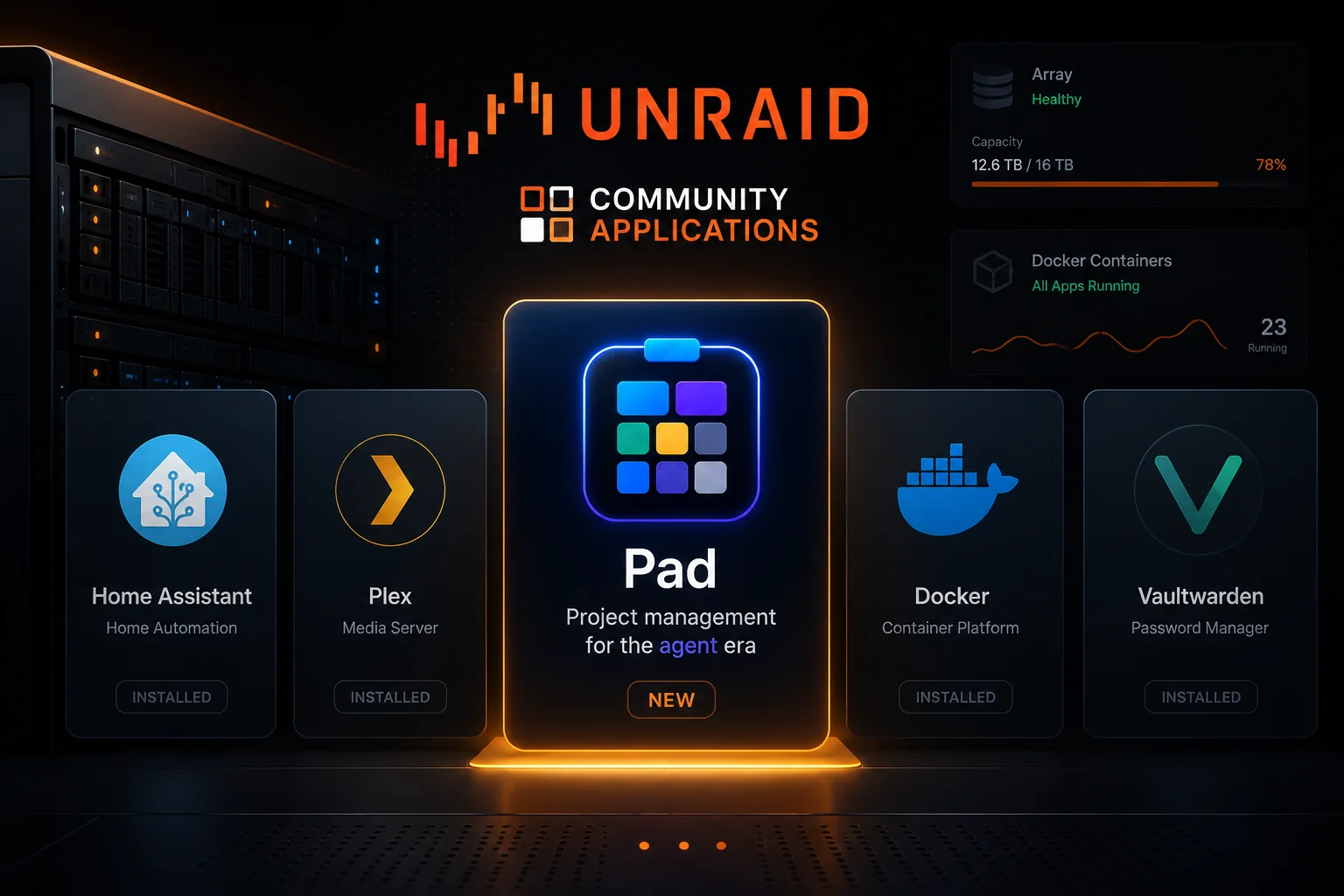
If you run an Unraid server, Pad now installs in one click. Open the Apps tab, search Pad, click Install. Sixty seconds later, you have a project tracker running on your own hardware.
Why this matters
Your Pad data lives on your server, not on someone else’s. The same Unraid box that holds your media, your bookmarks, your photos, your home automation now holds your projects too. It’s reachable from any device on your network (phone, laptop, the family computer in the kitchen) without any of it leaving home.
It backs up with everything else. Pad stores its database, attachments, and config under /mnt/user/appdata/pad/. Whatever you already do for backups (mover, snapshots, off-site sync), Pad rides along for the trip.
It’s self-contained. Single Go binary, embedded web UI, SQLite by default. No external services to wire up. No license server to phone home to. No cloud dashboard you have to log into to see what’s installed.
It’s easy to start using. The form has sensible defaults; accept them, click Apply, and you’re off. The first-admin setup link is right there in the container logs. Click it once and you have an account. Conventions and example items come seeded so you don’t stare at an empty board.
And your AI agents can talk to it
Pad ships an MCP server. Plug Claude Code, Cursor, Windsurf, or Codex into your Pad instance and the agent reads your plans, creates tasks, and runs your standup in natural language, against the same data you’d see in the web UI. It’s the project tracker your AI tools can actually use, instead of a wiki they can’t reach.
If you’d rather not self-host, Pad Cloud is the same product, hosted.
Onward
- Install walkthrough: full guide with form fields, first-run setup, backups, reverse proxy, troubleshooting
- Unraid forum support thread: Unraid-specific install / runtime questions
- Pad on GitHub: source, releases, bug reports