brew upgrade pad
# or
docker pull ghcr.io/perpetualsoftware/pad:0.7.0
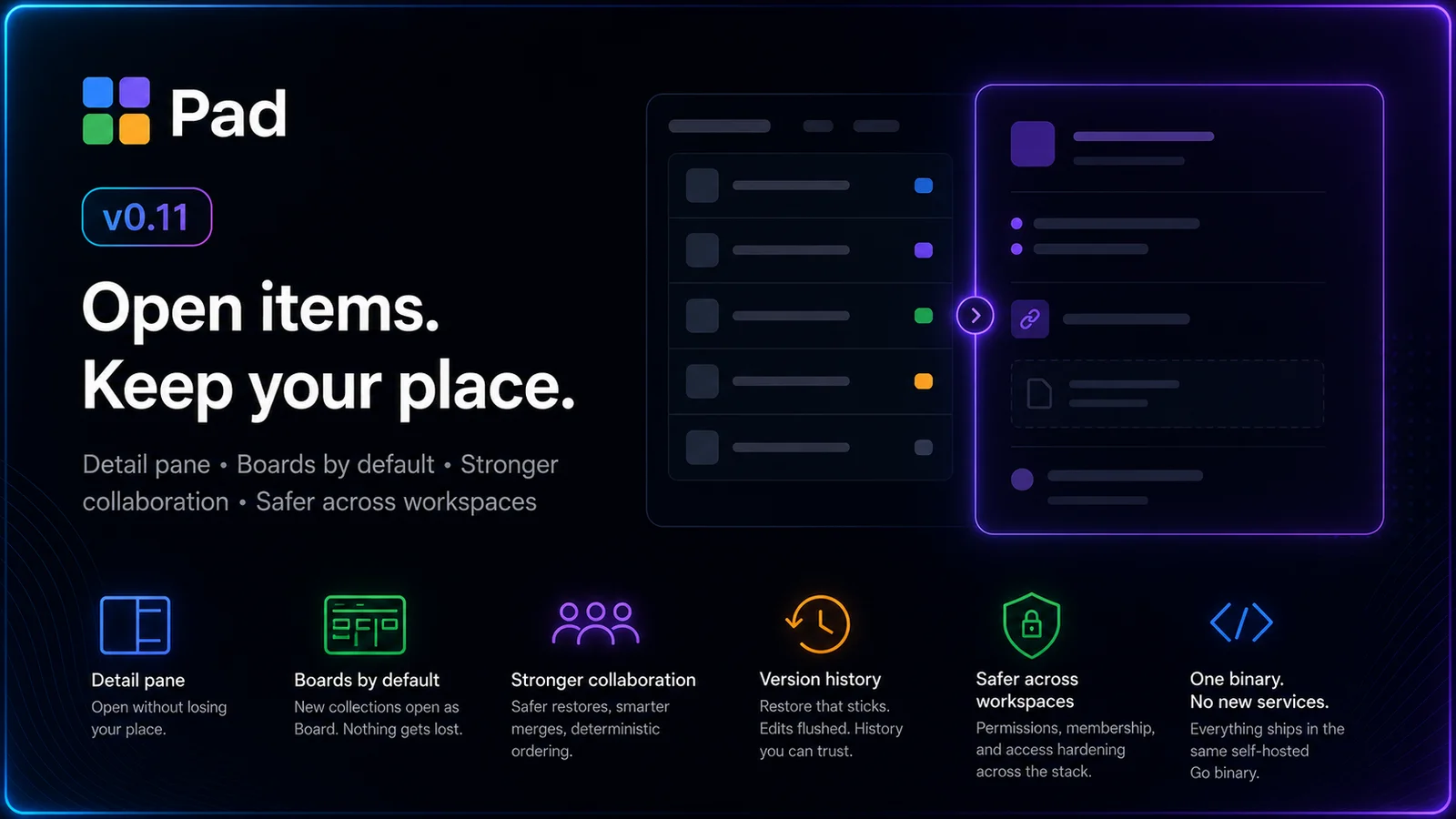
Pad v0.7 is a feature release. Five things landed that change what you can do with a workspace: you can now publish a collection as a public read-only page, see how work actually flows through your project, tag items across collections, move faster on the board, and drop images straight into comments.
As always, all of it ships in the same single self-hosted Go binary. No new services.
Share a collection as a public, read-only page
Generate a share link for any collection and Pad serves it at /s/<token> — no account, no login, fully read-only.
The interesting part is what the public page is. The share payload carries the collection’s settings, schema, item content, and your saved views — so the public page renders the same view you do, not a stripped-down table. Schema-driven colors carry over. Status selects render as the chips you configured. A read-only view switcher lets the anonymous viewer toggle between the base view types and any of the collection’s saved views; the choice persists via URL param and localStorage, exactly like the logged-in collection page, but never writes back to the server. Rows expand inline so a visitor can read an item’s content without a detail route.
Empty and large-collection states are handled too: public pages render the first 200 items with a “Showing the first N of M items” banner when a collection runs larger, so big collections stay fast without silently truncating.
It’s the cleanest way yet to hand someone a roadmap, a changelog, or a public issue list without inviting them into the workspace.
Insights: see how work flows
The new Insights page answers the question dashboards usually can’t: is work actually moving?
It’s a windowed project report — pick a day, week, two-week, or month window — showing items created vs. completed per bucket, net flow, and completion by collection, plus a current status-distribution snapshot. On top of that the web page adds cycle-time and WIP/aging metrics, charts (built on LayerCake) with per-category hover tooltips, and a layout you can rearrange per user.
Two details worth calling out:
- Time travel. Navigate to past periods and Pad reconstructs the historical WIP and status snapshot for that window from the status-transition log — not just “what’s true now,” but what was in flight back then.
- Exec report. A print-optimized view (“Save as PDF”) for the stakeholders who want a one-pager, and a “What shipped” card on the dashboard that lists completed items with their IDs.
It’s on the CLI and MCP too:
pad project report --window 2wk
pad project report --window month --collections tasks,bugs --format json
Tags, across collections
Tags are now a first-class, workspace-wide primitive. Add them with a chip editor on any item; they render as chips on cards, list rows, and the item header. A dedicated tag page (with a list/board toggle) shows everything carrying a tag — across collections, so a release-blocker tag pulls the tasks, bugs, and docs together in one place.
Filtering is multi-select with per-collection counts, and it reaches the CLI:
pad item list --tag release-blockerThe filter spans collections and matches exactly, so it composes with the rest of your pad item list flags.
A faster board
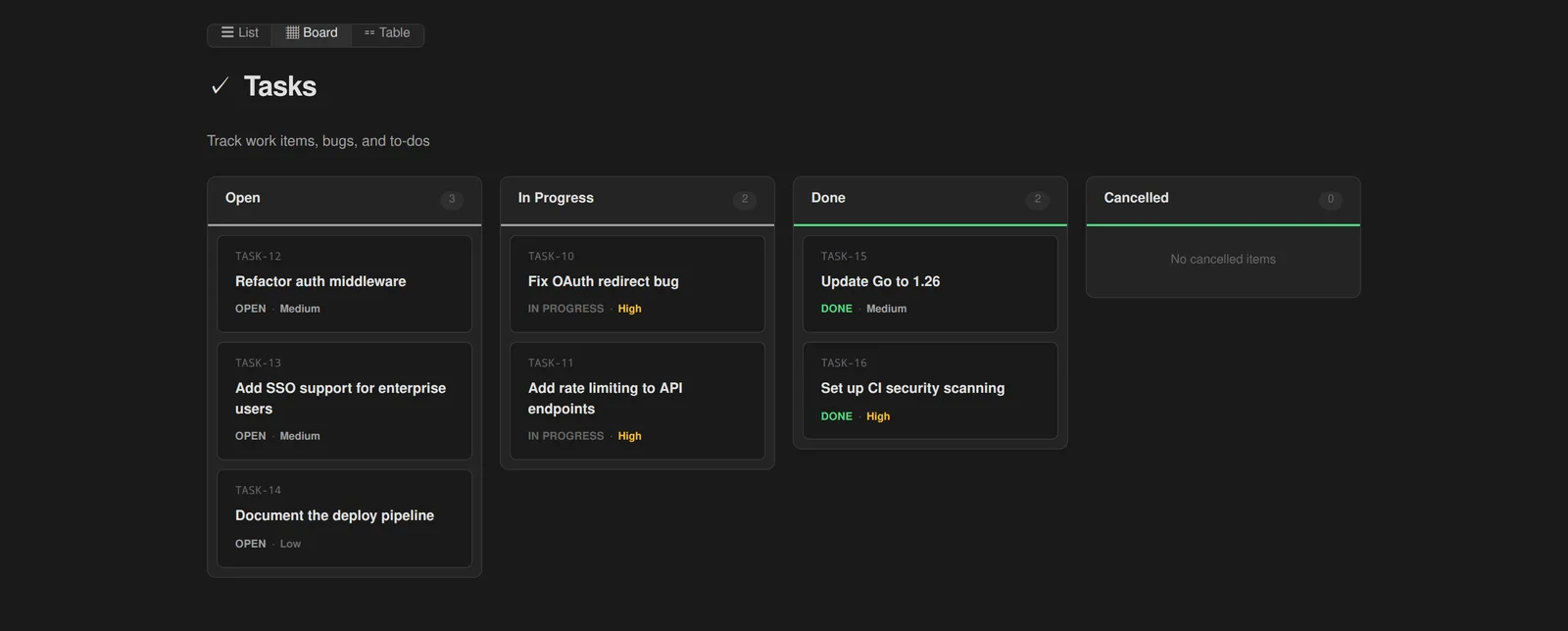
The board picked up the interactions you reach for without thinking:
- Inline draft cards — Trello-style, type a title in the lane and it’s created.
- Per-lane sort overrides in the lane kebab menu.
- Bulk lane actions — select, then act on many cards at once, wired through a new bulk-mutation endpoint that emits a single batched SSE event instead of one per item.
- Confirm + undo — destructive bulk actions show a confirm, then an undo toast backed by a real bulk-restore op. Mis-click recovery, not just a warning.
Richer comments
Comments now take images: paste or drop an image and it uploads as an attachment, renders inline as a thumbnail, and expands in a click-to-open lightbox. You can also edit comments and replies inline through a lean Tiptap editor — no more delete-and-repost to fix a typo.
Mobile bottom navigation
The web UI gets a mobile bottom nav bar, so the core surfaces are one thumb-tap away on a phone.
The boring-but-important end
Under all of this, v0.7 ships a structured status-transition log with a backfill for existing history — the same log that powers Insights’ time-travel. We also fixed a jsonb LIKE incompatibility in that backfill on Postgres, collab-snapshot diffs and autosave bursts, a ref-resolver admin-bypass gap, and a handful of share/attachment auth edges.
Upgrade with brew upgrade pad or pull ghcr.io/perpetualsoftware/pad:0.7.0. Every artifact is cosign-signed with SBOMs and SLSA provenance — see /blog/homebrew-signed-releases for how to verify.