Five weeks ago we shipped Pad as a single binary that runs on your laptop. That hasn’t changed. What’s new today is that you don’t have to.
Pad Cloud is open. Sign up at app.getpad.dev. Same product, hosted for you, free during beta.
What you get
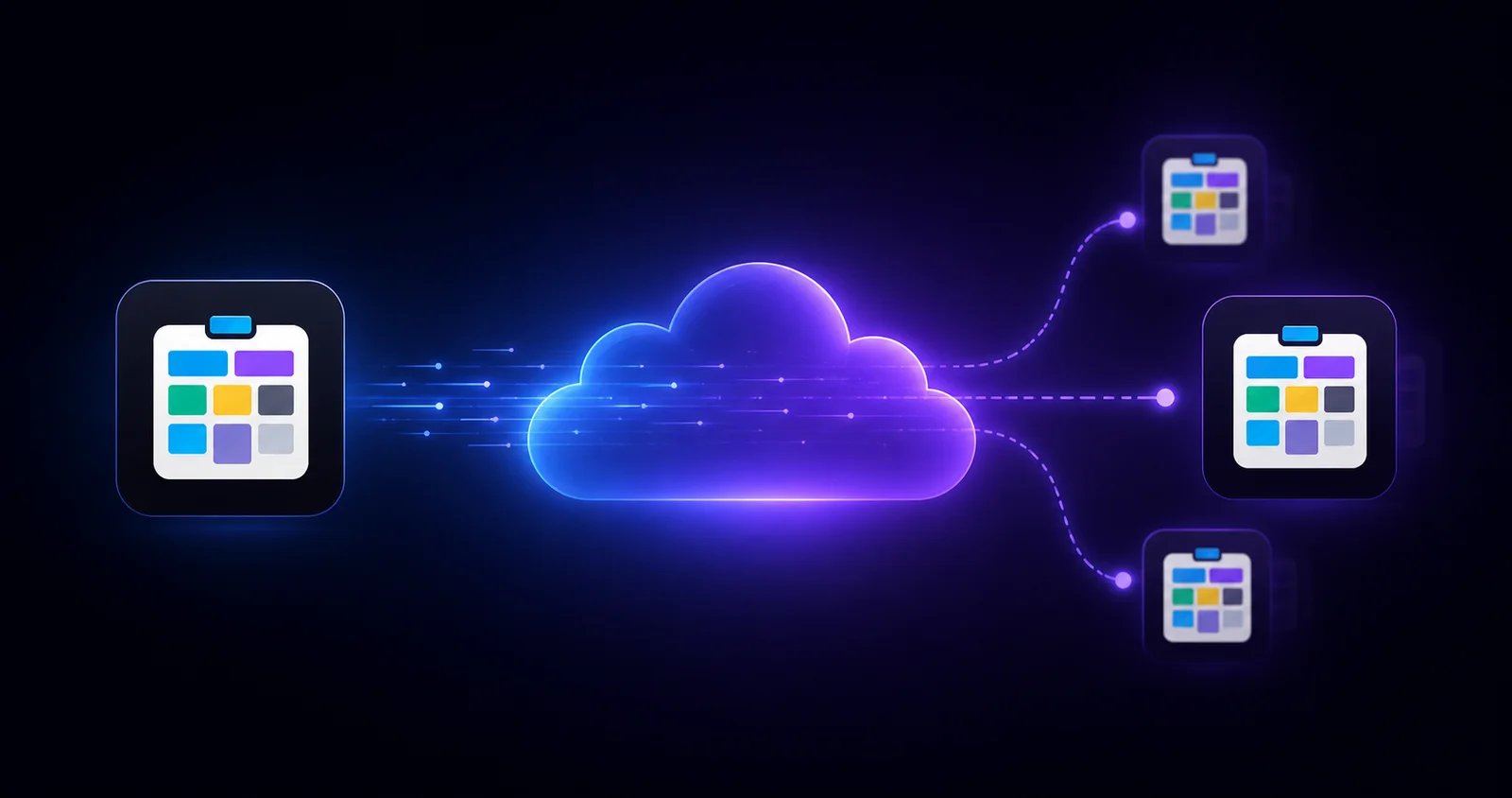
The first thing Cloud does is what every cloud product does: your projects sync to every device. Open Pad on your laptop, open it on your phone, open it from a hotel computer in a city you didn’t expect to be in. Same workspaces, same items, same content.
But that’s not the part we built Cloud for.
Teams
Pad’s local mode was always single-user-by-design. That worked for the dev who wanted one place for their tasks, ideas, plans, and docs without syncing them anywhere. It does not work for two people on the same project.
Cloud fixes that:
- Workspace invitations.
pad workspace invite [email protected](or click a button in the web UI). Alice gets an email, clicks a link, she’s in. - Roles that match how teams actually work. Owner (full control), editor (CRUD on items), viewer (read-only). Set per workspace; one person can have different roles on different workspaces.
- Real-time updates. When Alice marks a task done from her terminal, your board updates in your browser. Same SSE stream that powers the local UI, just with permissions.
- Activity feed + audit trail. Who did what, when, and why — the
--commentan agent left when it changed a status, the role they were acting as. Useful for standups; essential for retros.
If you’ve been running Pad solo, none of this changes how you work. If you’ve ever wanted a second person looking at your board, this is the unlock.
What stays the same
Everything you already use:
- The same
padCLI talks to Cloud the same way it talks to local. Point it athttps://app.getpad.devandpad auth login. - The
/padskill works identically — Claude Code, Cursor, Windsurf, Codex, Copilot, and others. The agent doesn’t know or care whether your workspace is local or hosted. - The same data model — Collections, Items, Conventions and Playbooks, wiki-links — all of it. Templates work. Custom collections work. Everything that worked locally works in the cloud.
And self-hosted stays first-class. Pad is Apache 2.0, the binary is unchanged, and we’re not pulling features into Cloud-only. If you want to keep running Pad on your own server, run it. Cloud is the convenience option, not the product option.
How to try it
open https://app.getpad.dev/registerYou’ll have a working workspace in under a minute.
Where this goes
Cloud is a foundation, not a destination. With Pad now reachable from the network, the next thing we’re shipping is the connector that lets your AI agent talk to it from anywhere — one-click OAuth from Claude Desktop, Cursor, ChatGPT, and friends. More on that in our announcement post.
For now: try Cloud. Tell us what’s missing. Open issues at github.com/PerpetualSoftware/pad.
Now go ship something. Together.