Learn Pad
Short, narrated tutorials. Each one does a single real task in Pad, start to finish, at a pace you can follow. Every video has chapters and a full transcript.
Getting started
From a new account to your agent working on its first task.
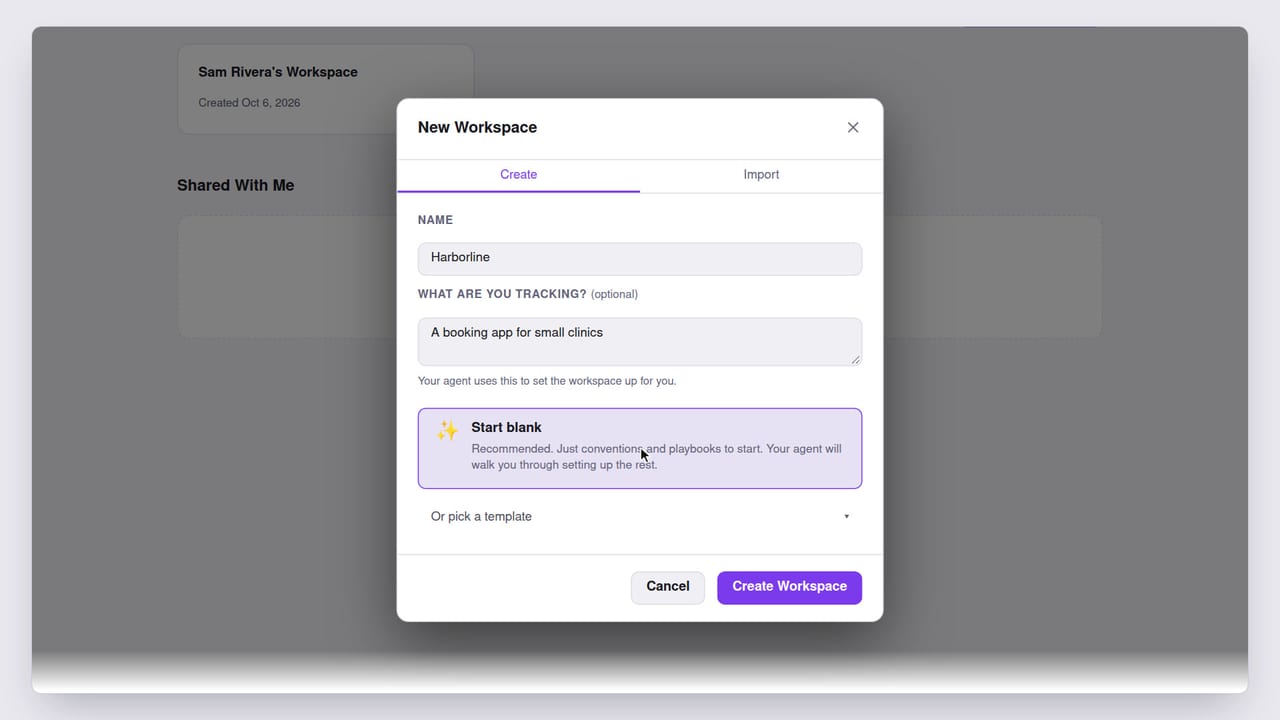 2:29
2:29Getting started · 1
Start a new project with Pad
Create a Pad Cloud account, make a workspace for your project, and link it to the code on your machine, so your coding agent has a project to work from.
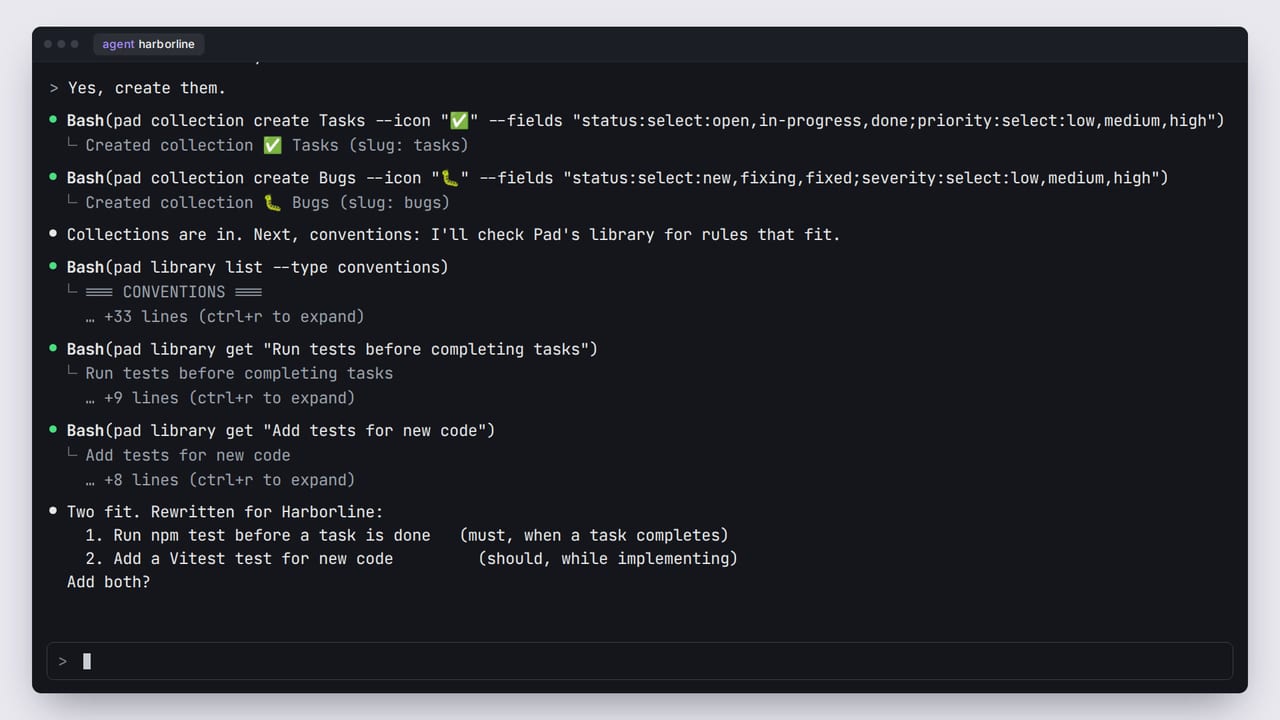 2:58
2:58Getting started · 2
Set up your workspace with /pad onboard
Your coding agent sets up your Pad workspace with you: it asks how you work, then shapes collections, rules and playbooks to match.
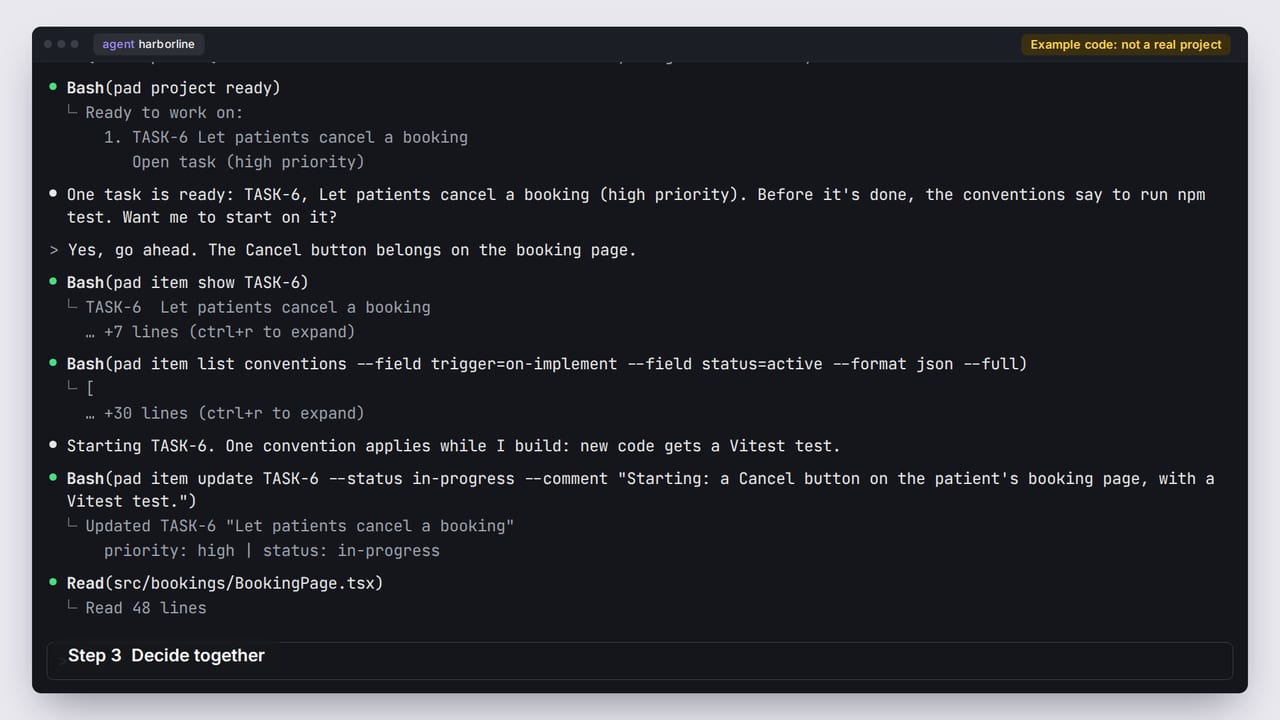 2:06
2:06Getting started · 3
Work through your first task
Ask your agent what to work on next, and follow one task from open to done, with the task in Pad kept up to date as it goes.
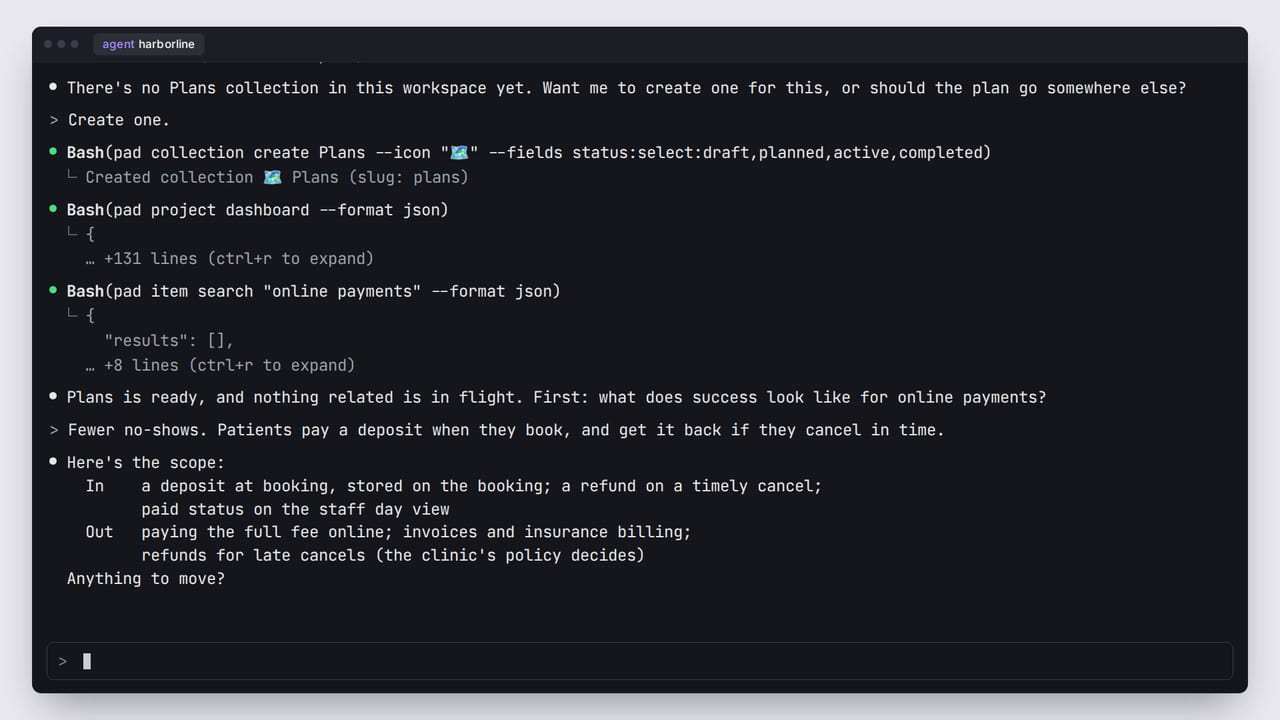 2:14
2:14Getting started · 4
Plan a feature with /pad plan
Plan a feature with your agent: agree the goal, the scope and a task list, and end up with a plan in Pad and its tasks on your board.
Existing projects
Bring Pad into a codebase you already have.
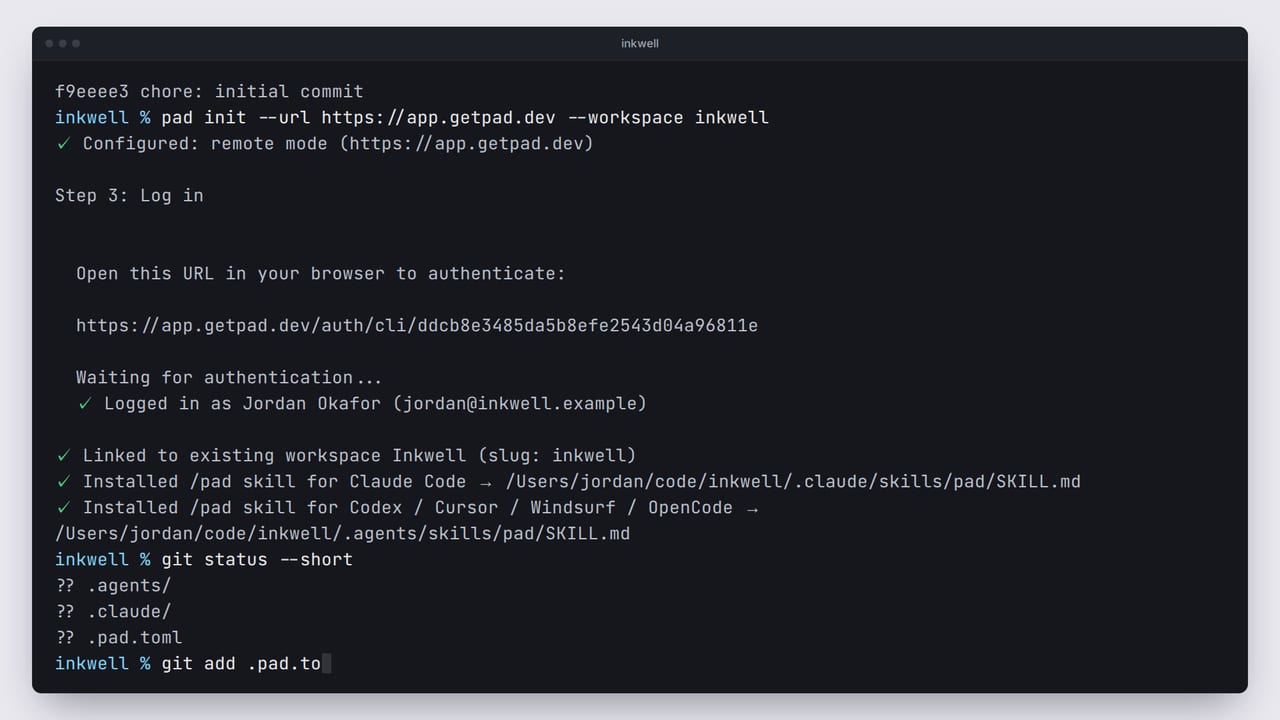
Self-hosting
Run Pad on your own machine or server.
- Coming soon
Self-hosting · 1
Self-host Pad with Docker
Run your own Pad server with Docker.
Connect your agent
Use Pad from the coding agent you already work in.
Tutorials for this path are on the way.
Demos
Short clips of Pad in use. Not how-tos: see the paths above for those.
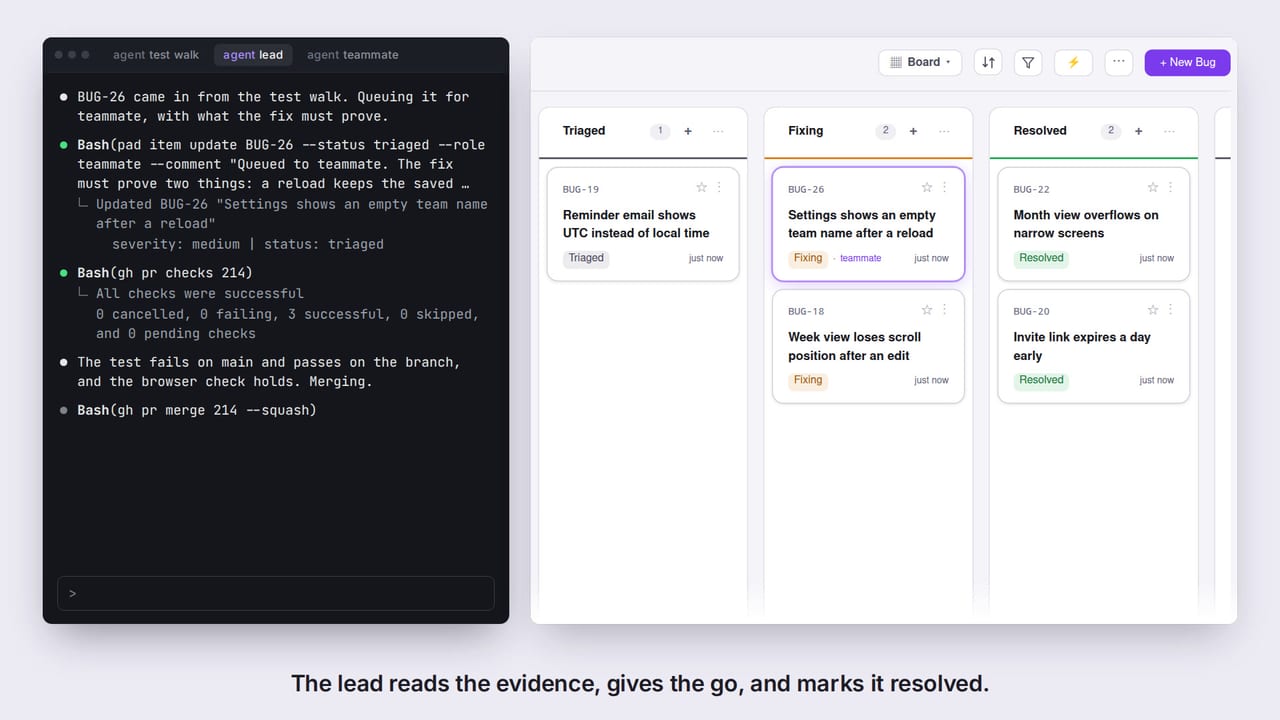
AI agents fix a bug in Pad, from report to resolved
Watch on YouTube
The workspaces and people in these videos are fictional. The screens are Pad's real UI, rendered from code, and the narration is a synthetic voice.